Recipe catalog
The other main feature Mealz offers is the catalog:
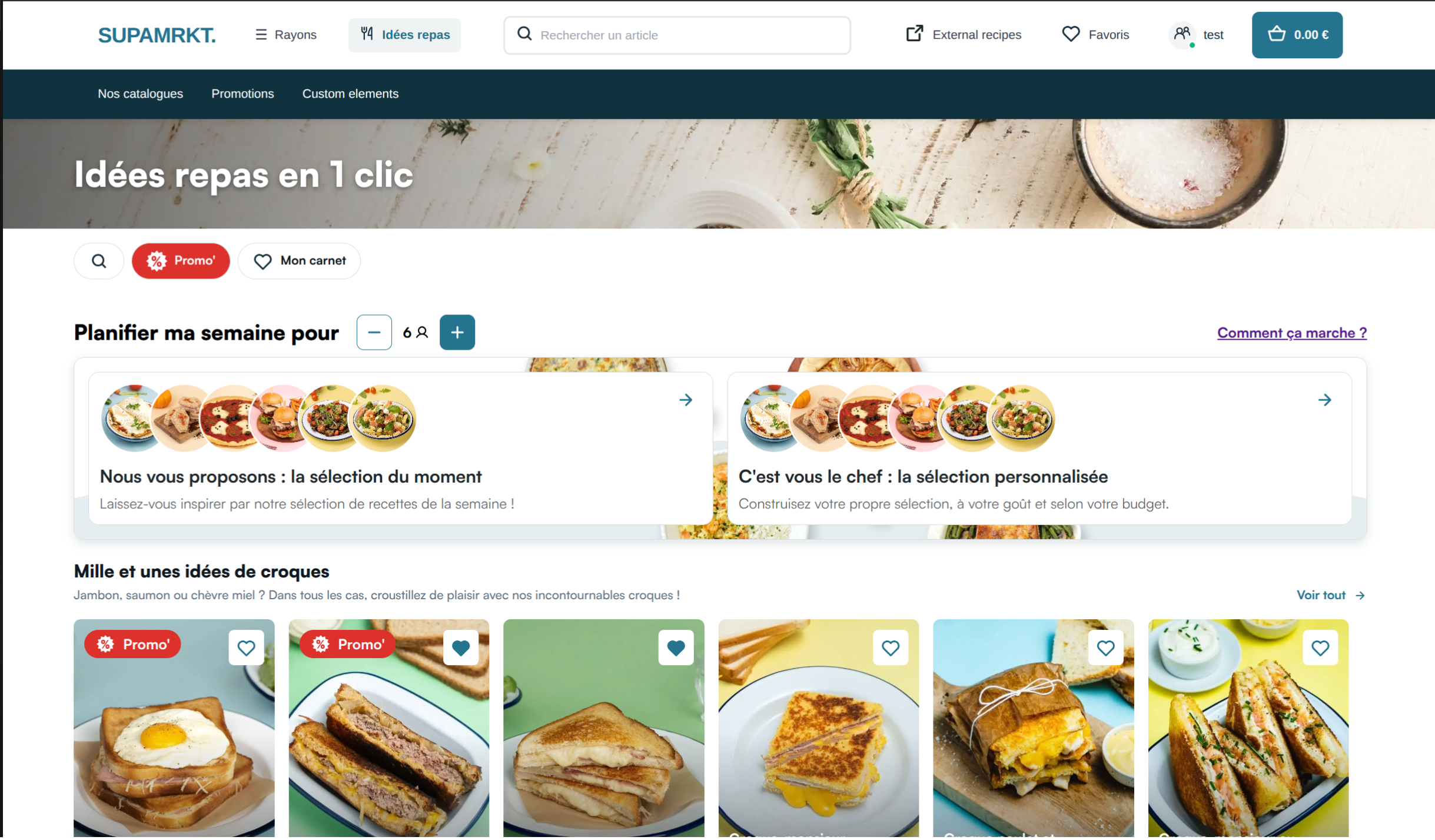
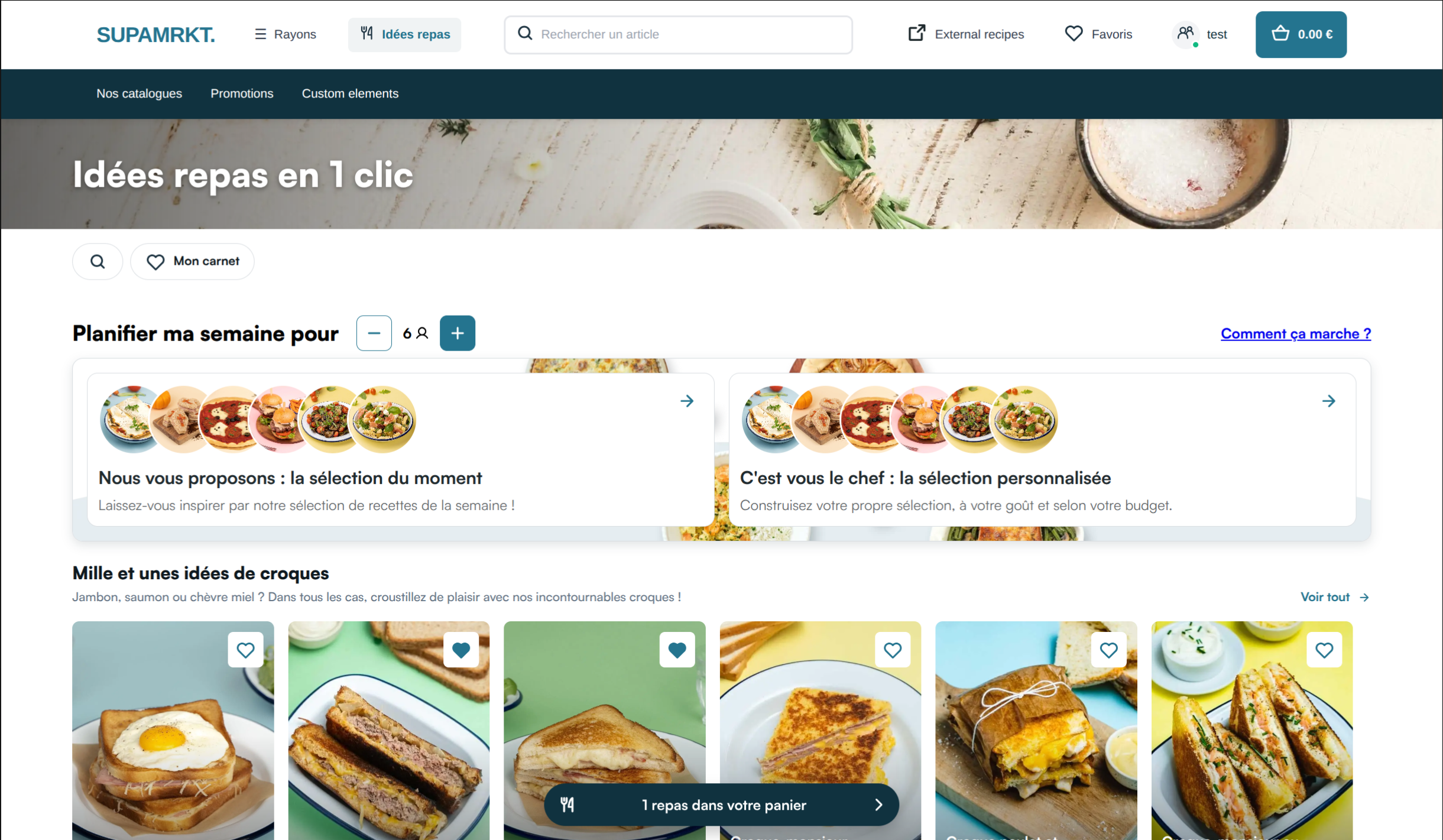
The catalog displays the recipes available on your website in cards that work exactly the same as the cards you can inject in the shelves of your website. In the catalog, the recipes are grouped in categories, which you can create and arrange in our back-office.
When the user clicks on the title of a category or on the link next to it, they will see the recipes inside the category this time in a list view:
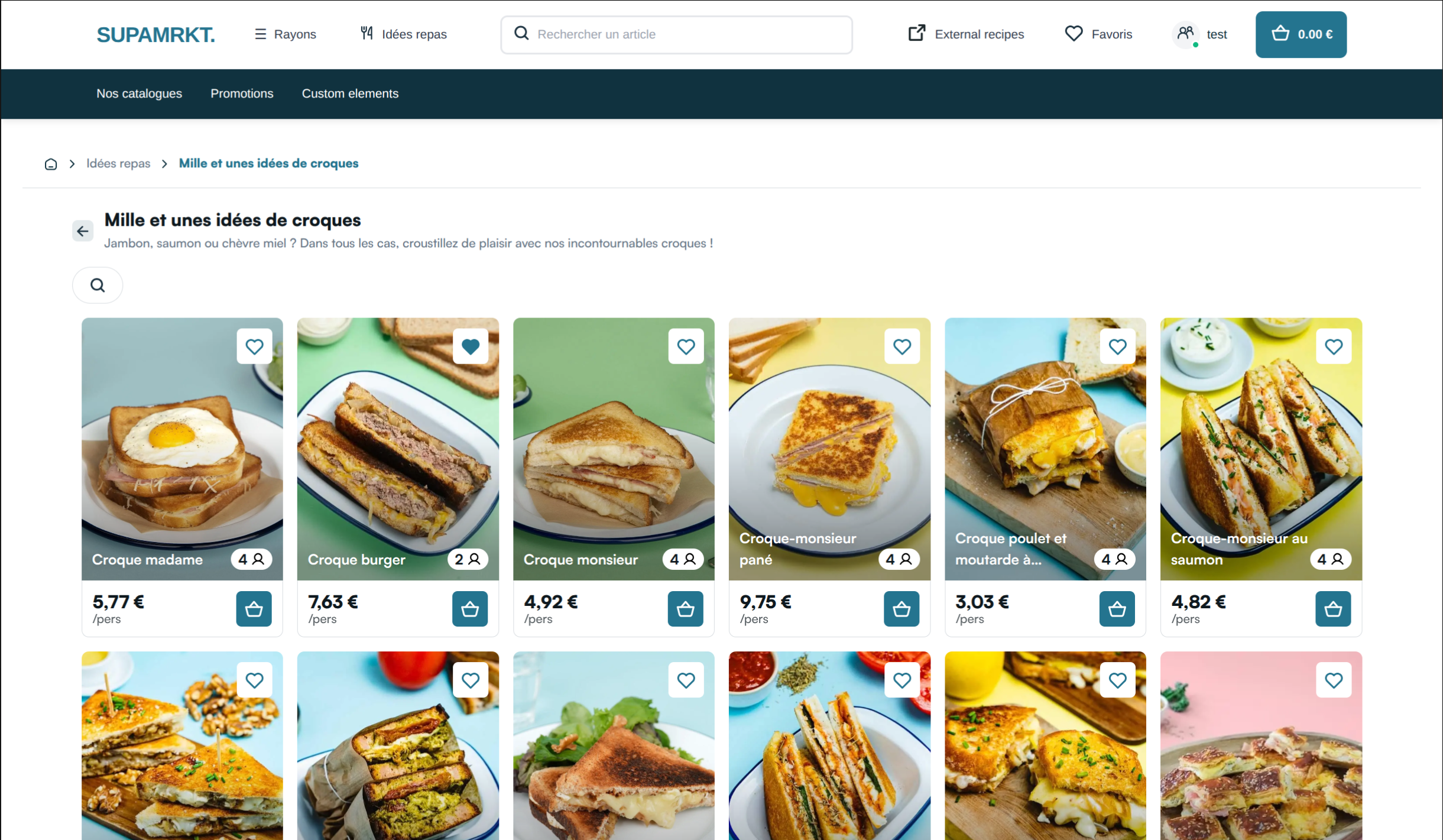
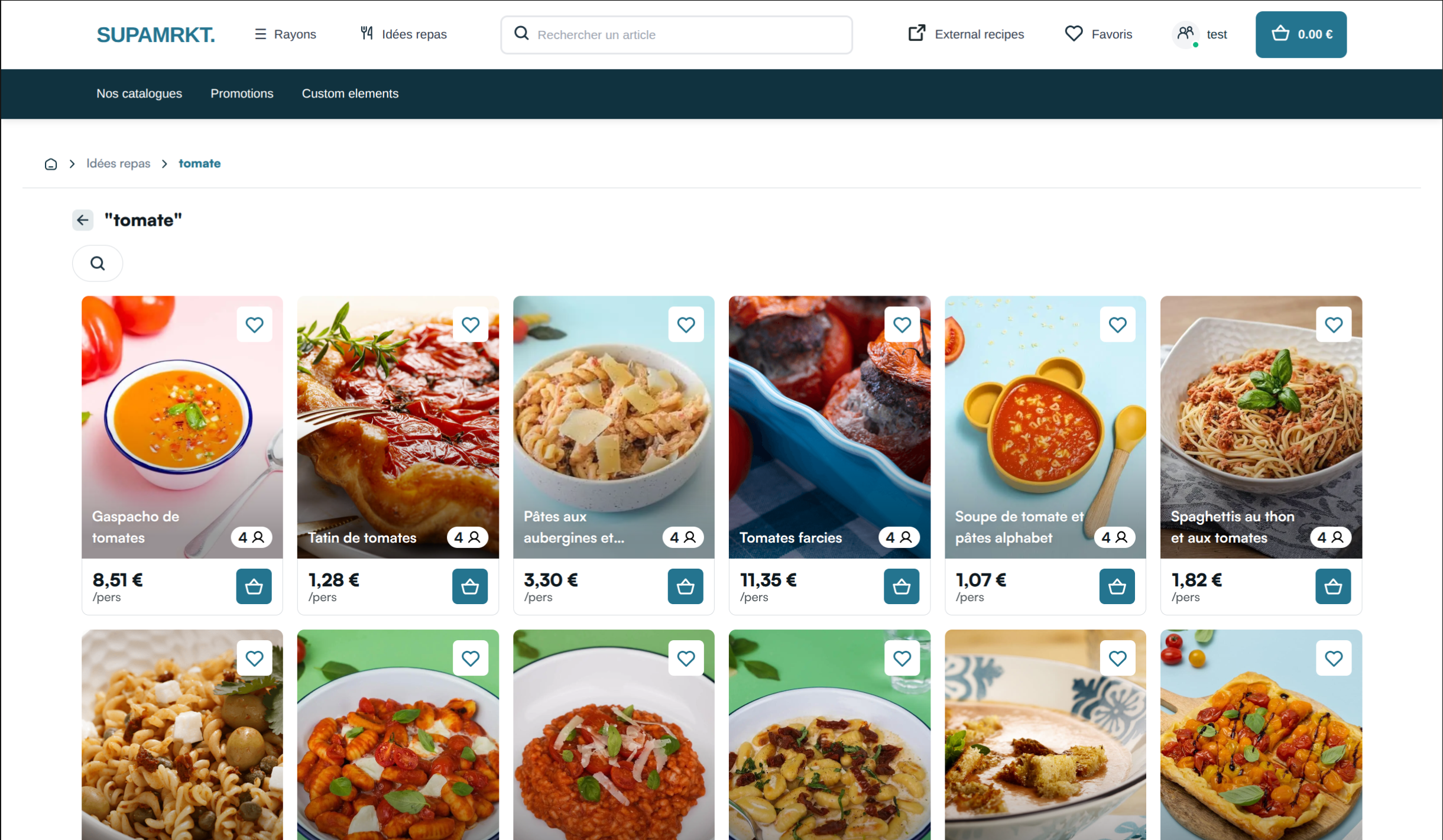
The same list view is used to display recipes if the user uses the search bar in the header of the catalog, or the filters:
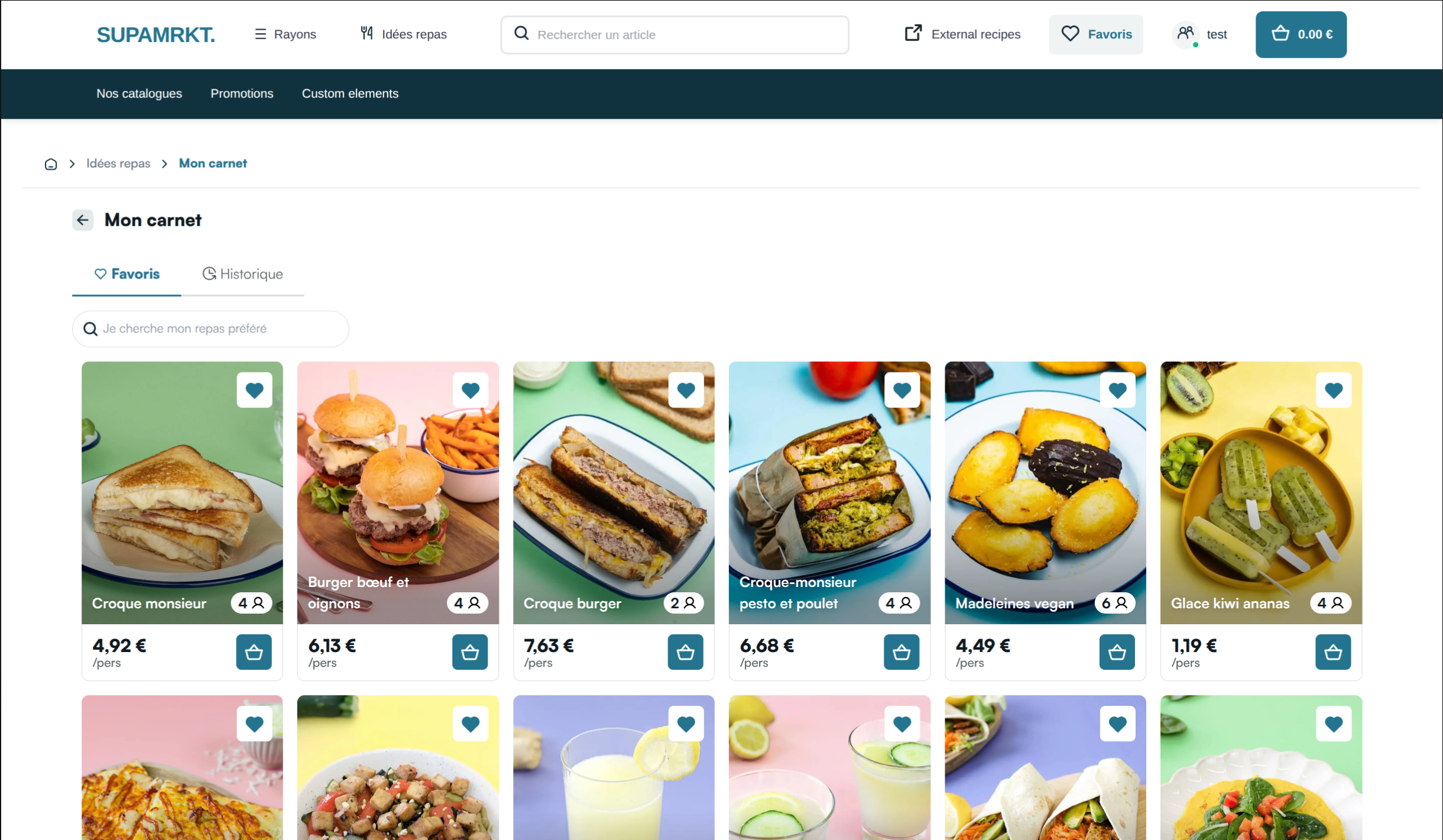
If the user clicks on the top right button "Favorites" ("Favoris"), they open the My Space page: their saved recipes on the Favorites tab, and past orders on the History tab. See Catalog.
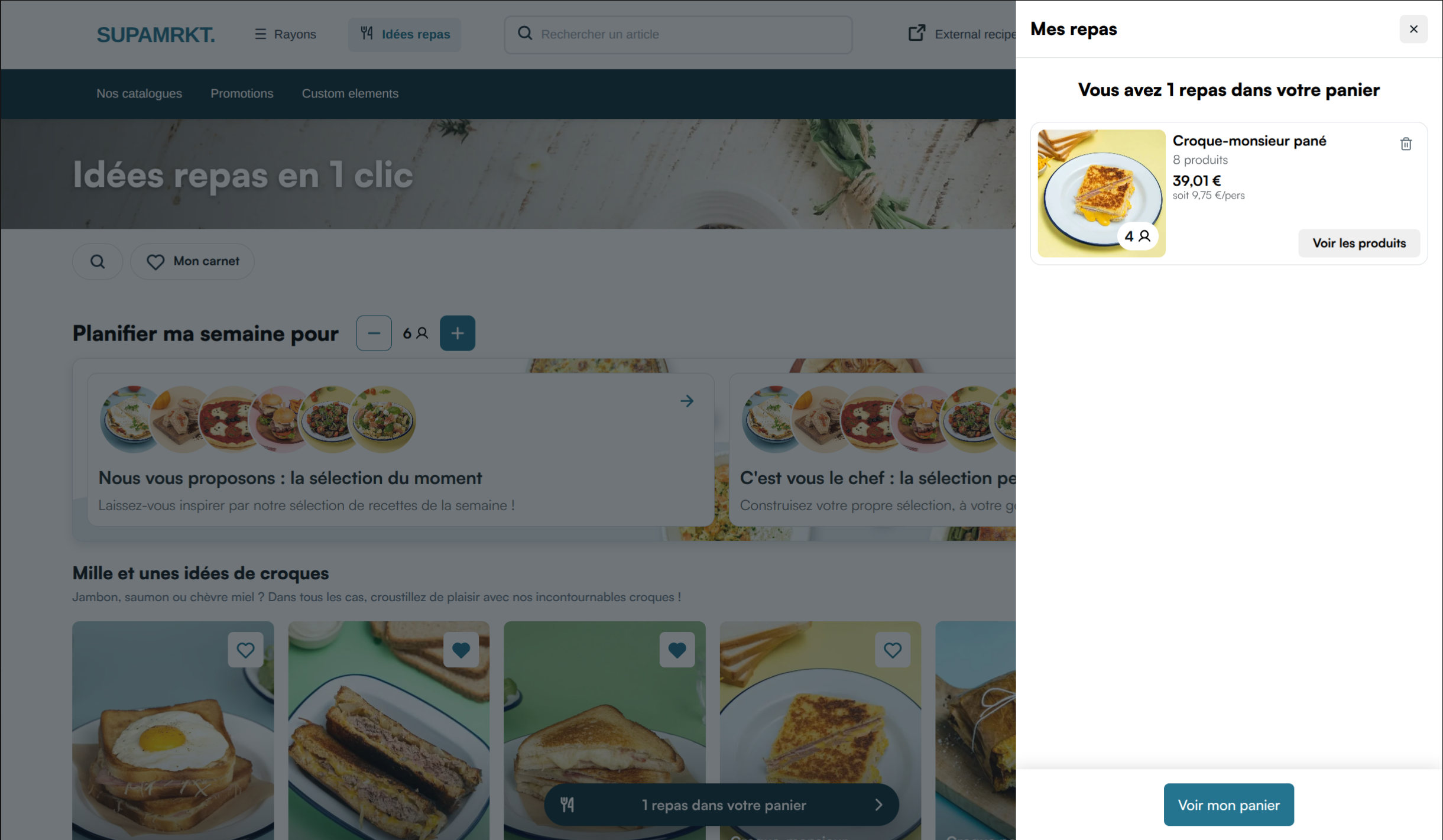
Finally, if any recipe has been added to the user's cart, a button appears at the bottom displaying the number of recipes currently in the cart. When the user clicks on this button, a drawer appears displaying the list of recipes in the cart: