Planner
The planner is a full-page flow that helps users build a weekly menu and push every recipe to the cart in one step. You embed a small entry block on a page such as the catalog home; it sends the user to a dedicated current menu page on your site when they start planning.
On the entry block, the user sets the number of guests and chooses how to start: from Mealz suggestions or from an empty menu.

After selecting either option, the user is redirected to the planner page, where they can view their current menu. If the empty menu option was selected, the menu will be empty; if the suggestions were selected, the menu is automatically filled with the week's suggestions after a short animation.
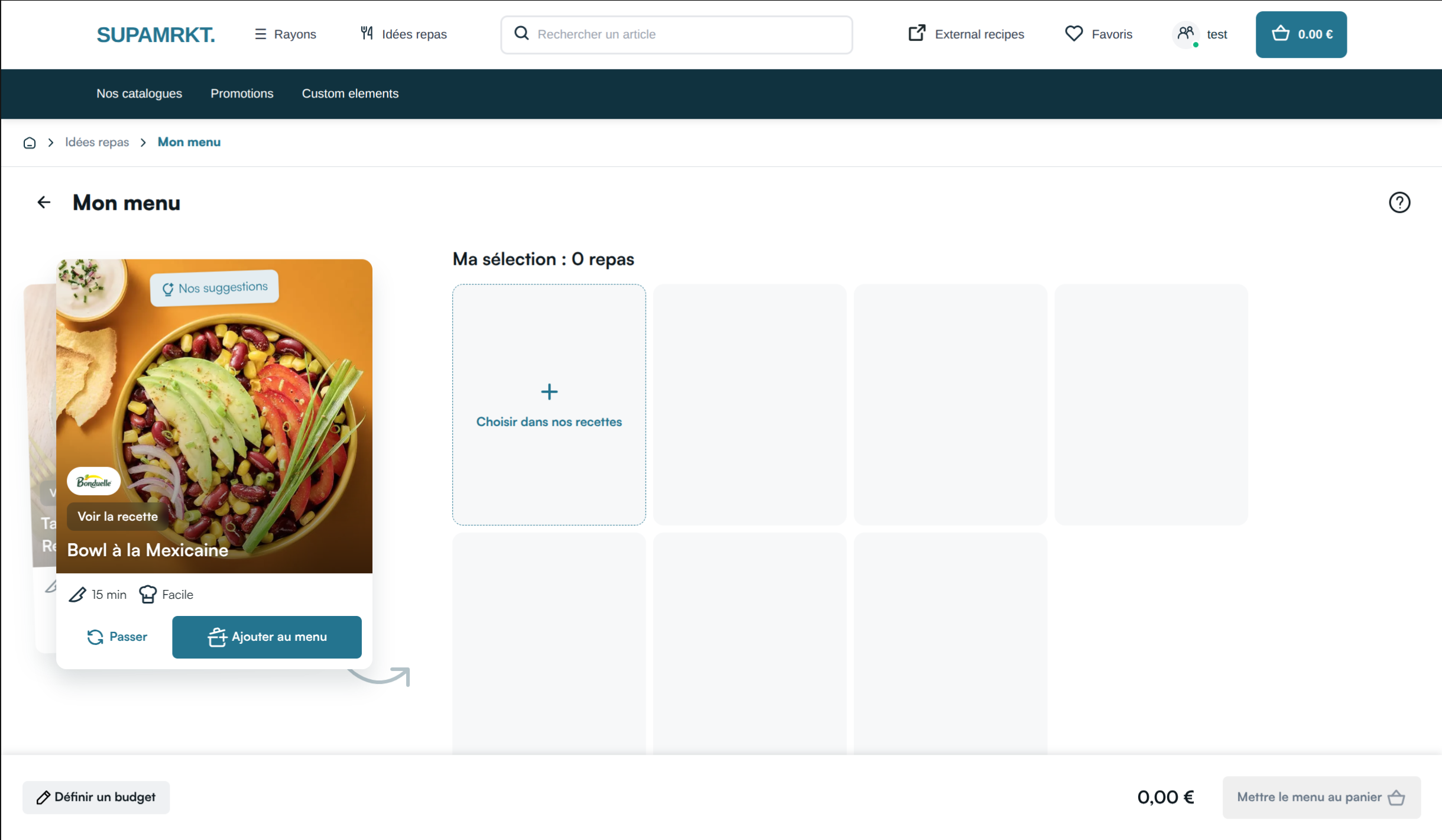
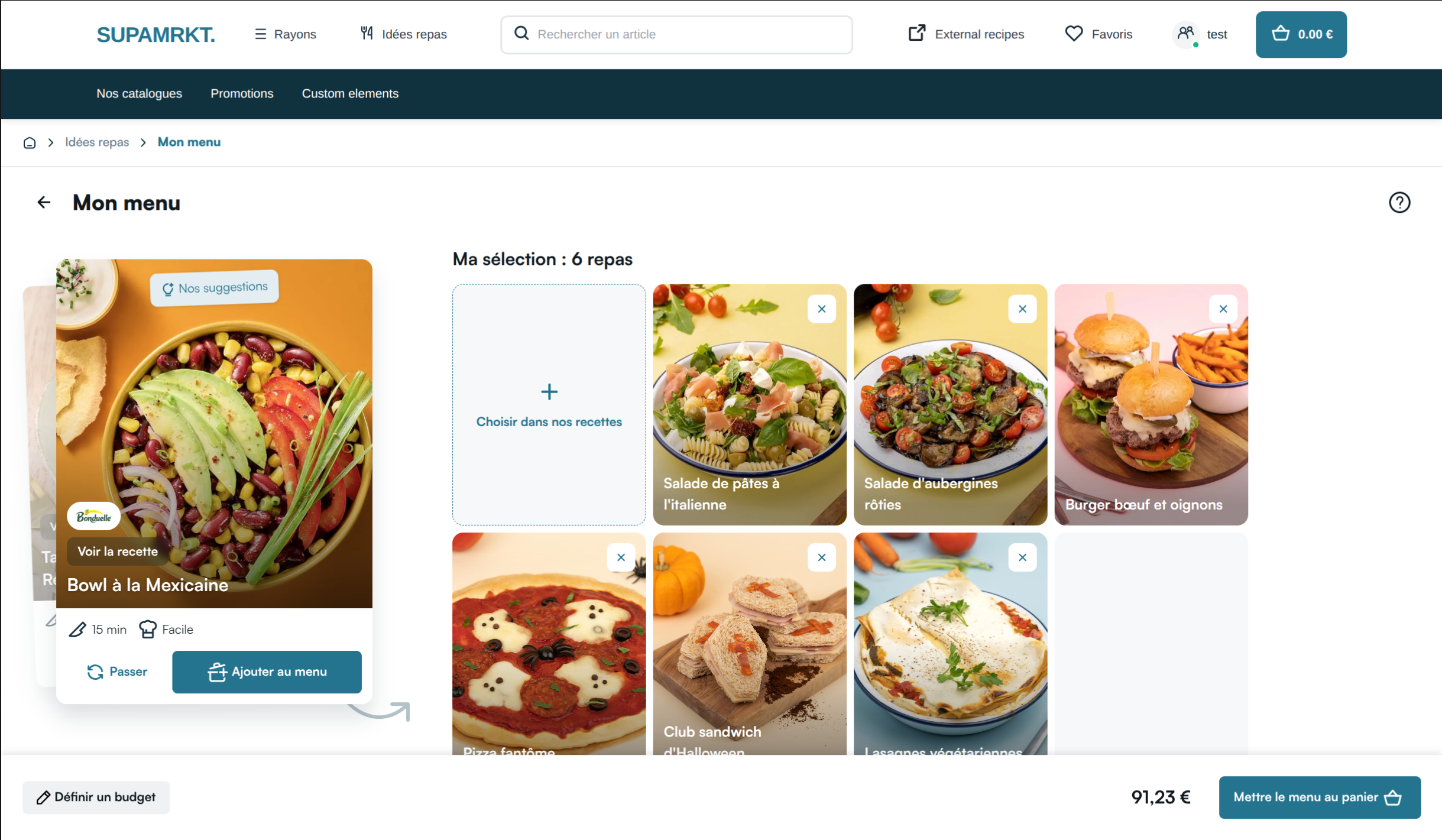
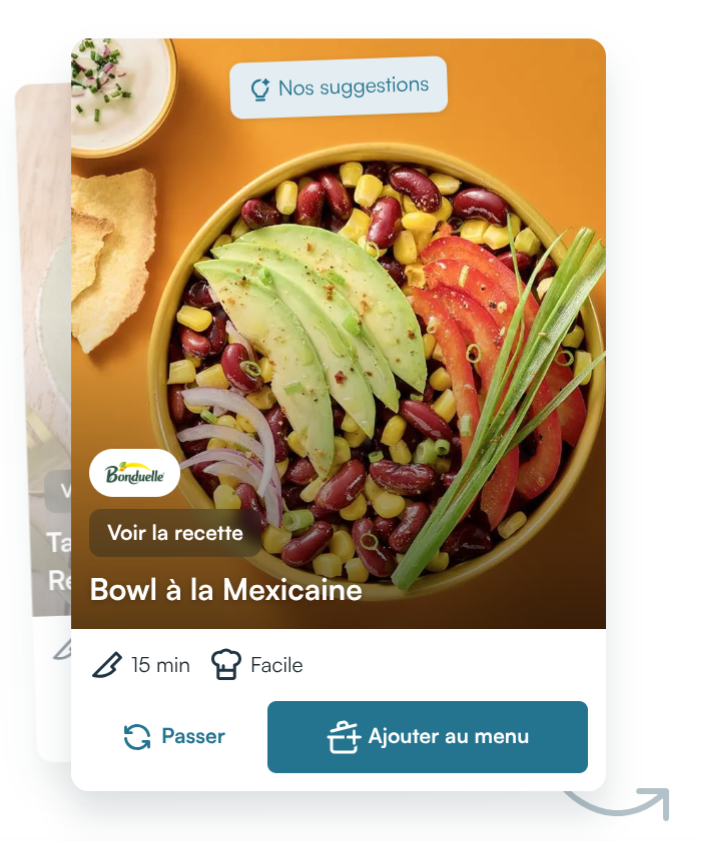
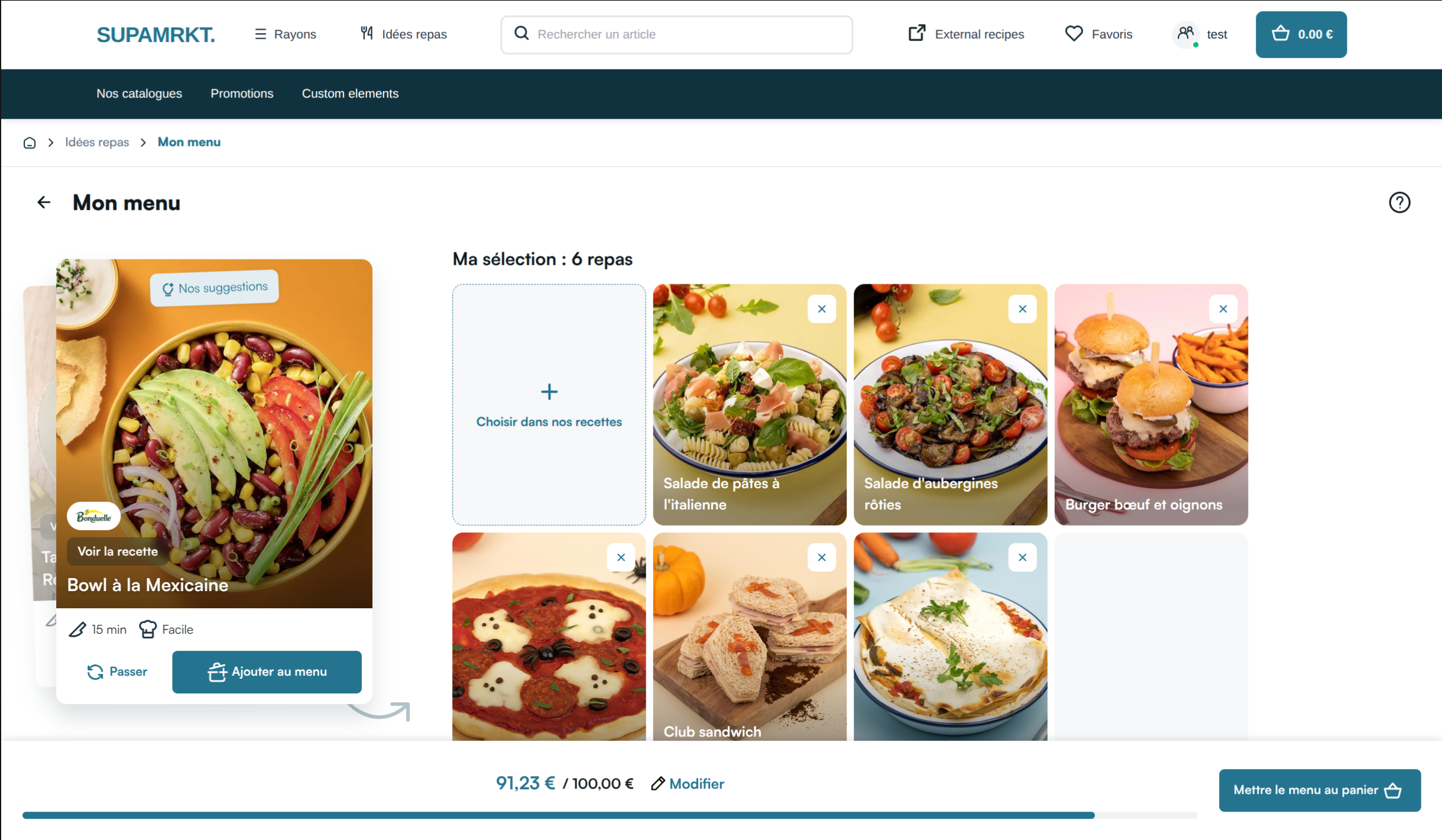
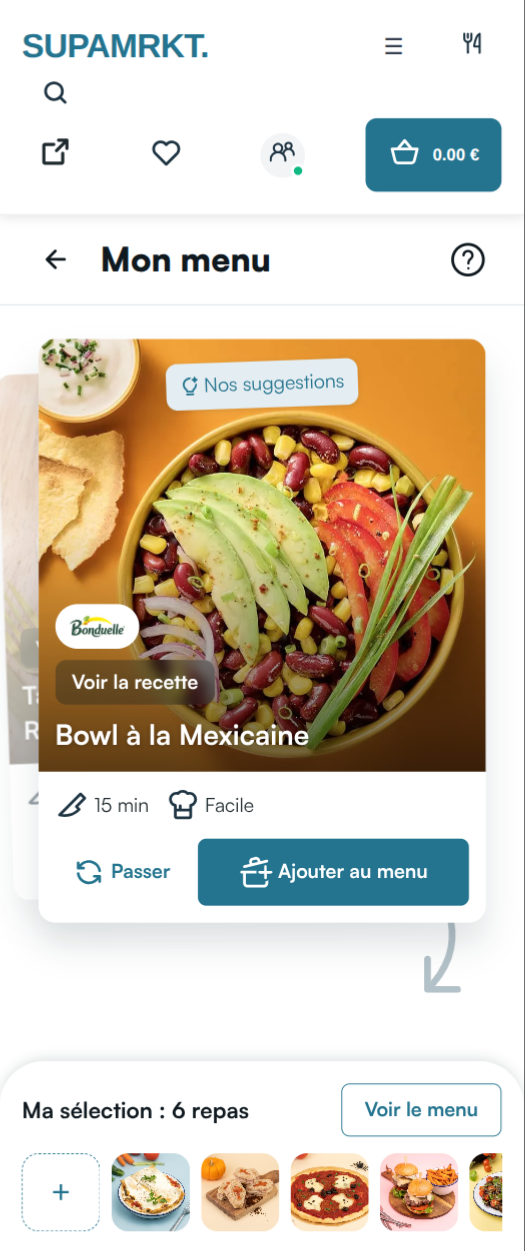
On the left are recipe suggestions, which can be added to the menu or skipped to see the next suggestion.
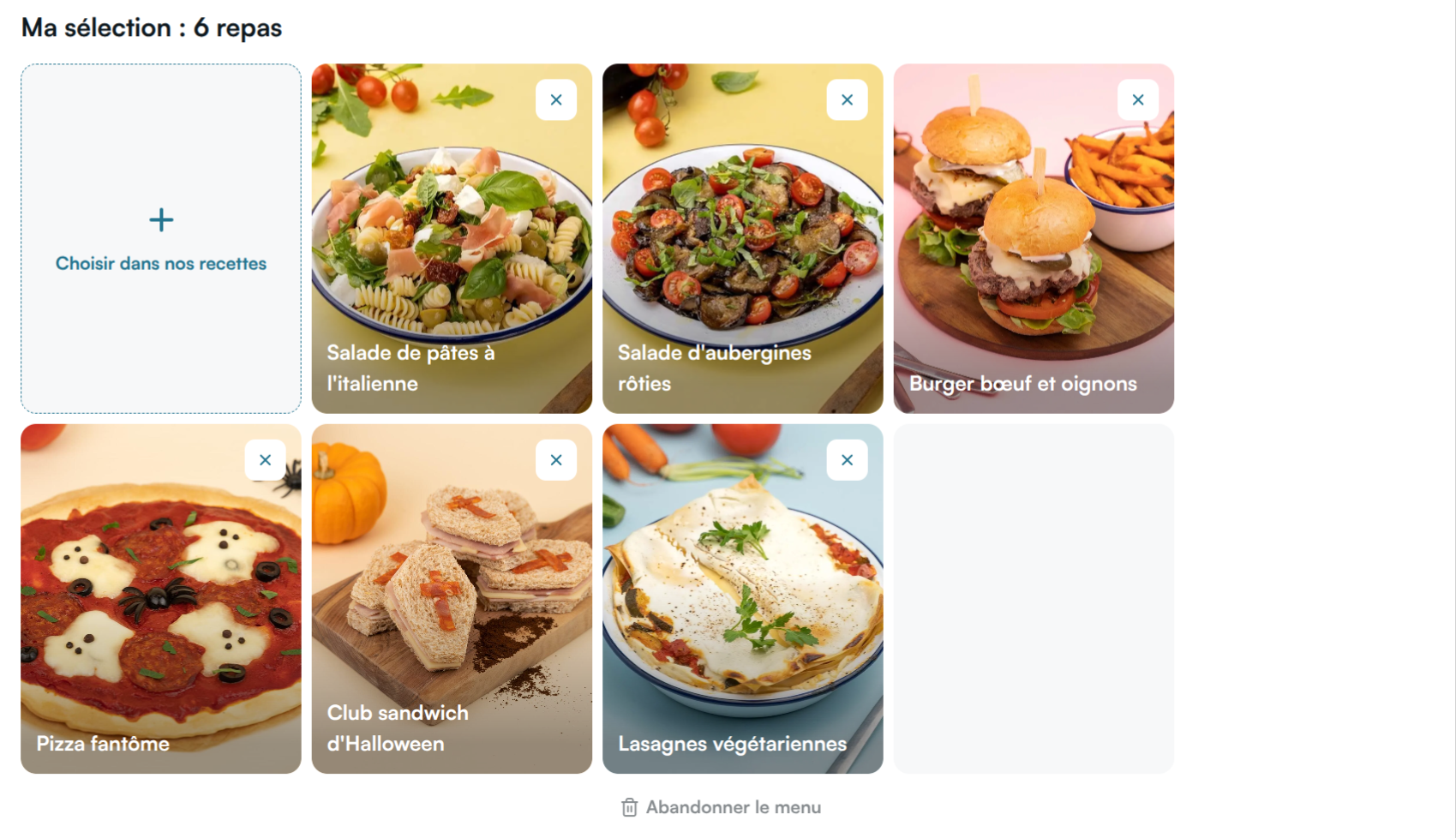
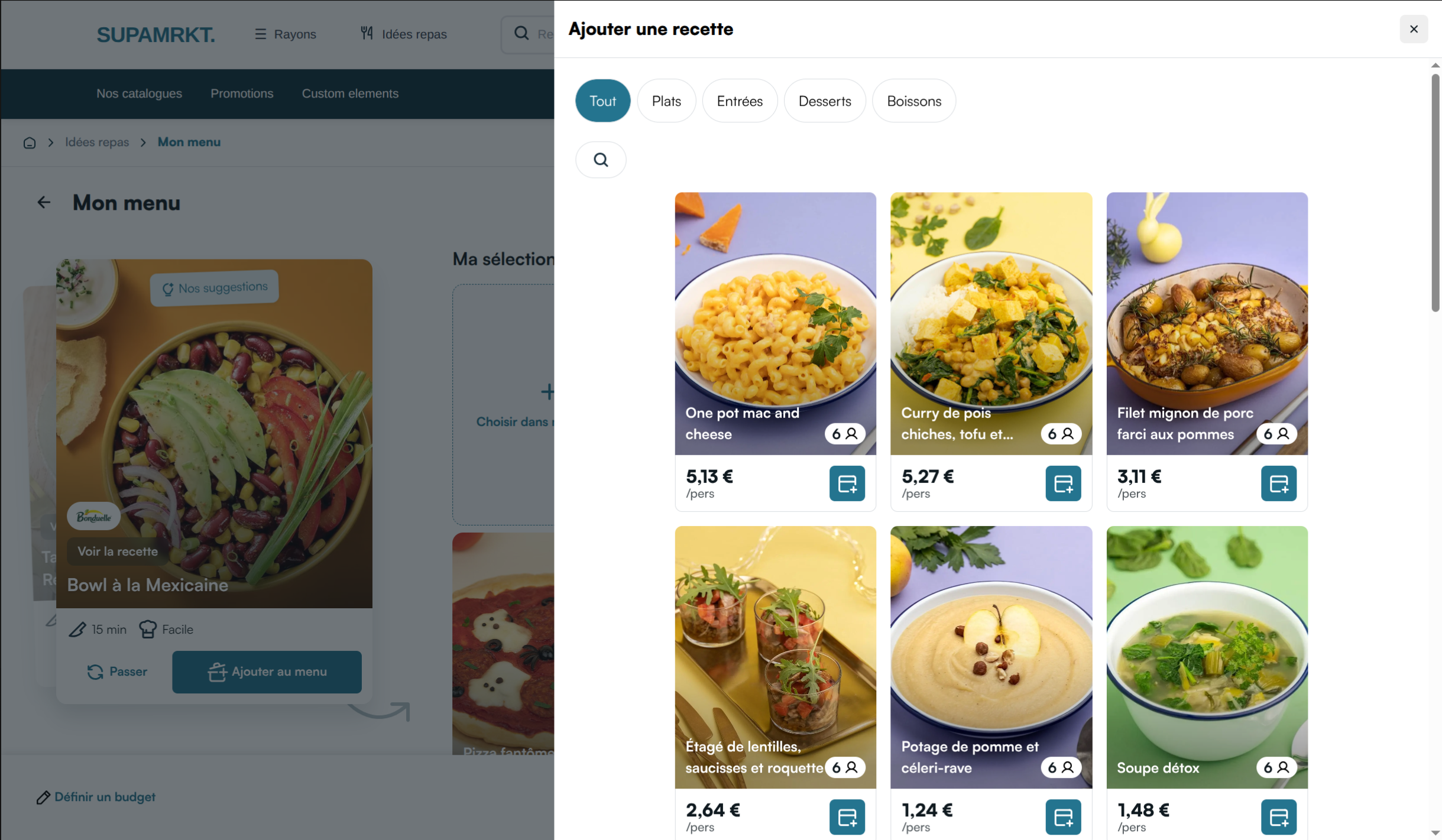
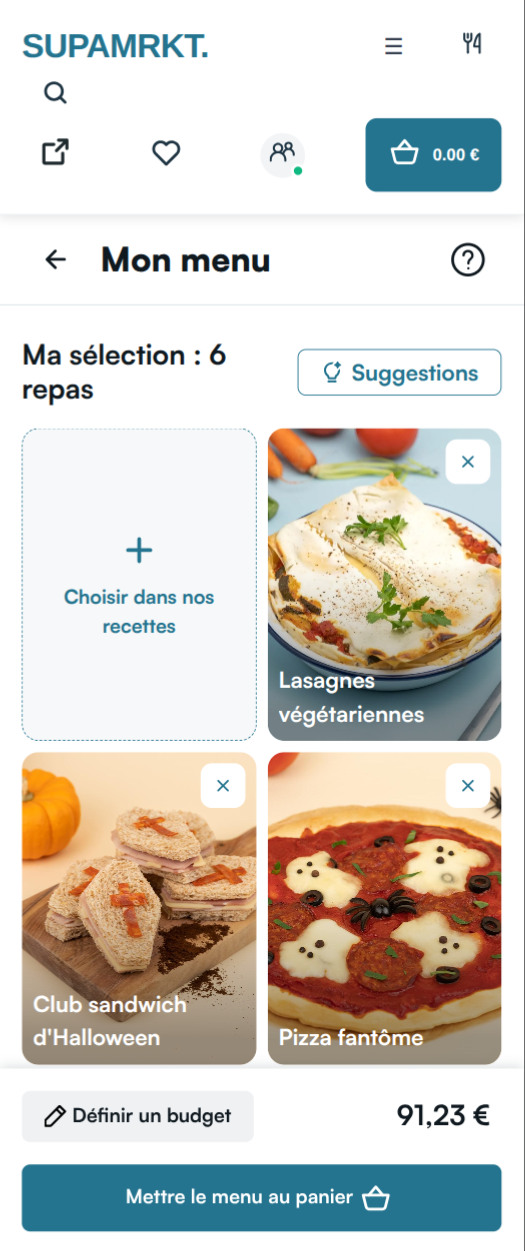
The current menu is on the right. The recipes displayed are in the menu, and can be deleted or consulted from here. The first card of the list opens a recipe catalog in a drawer to manually search for recipes to add, as a secondary option to the suggestions.
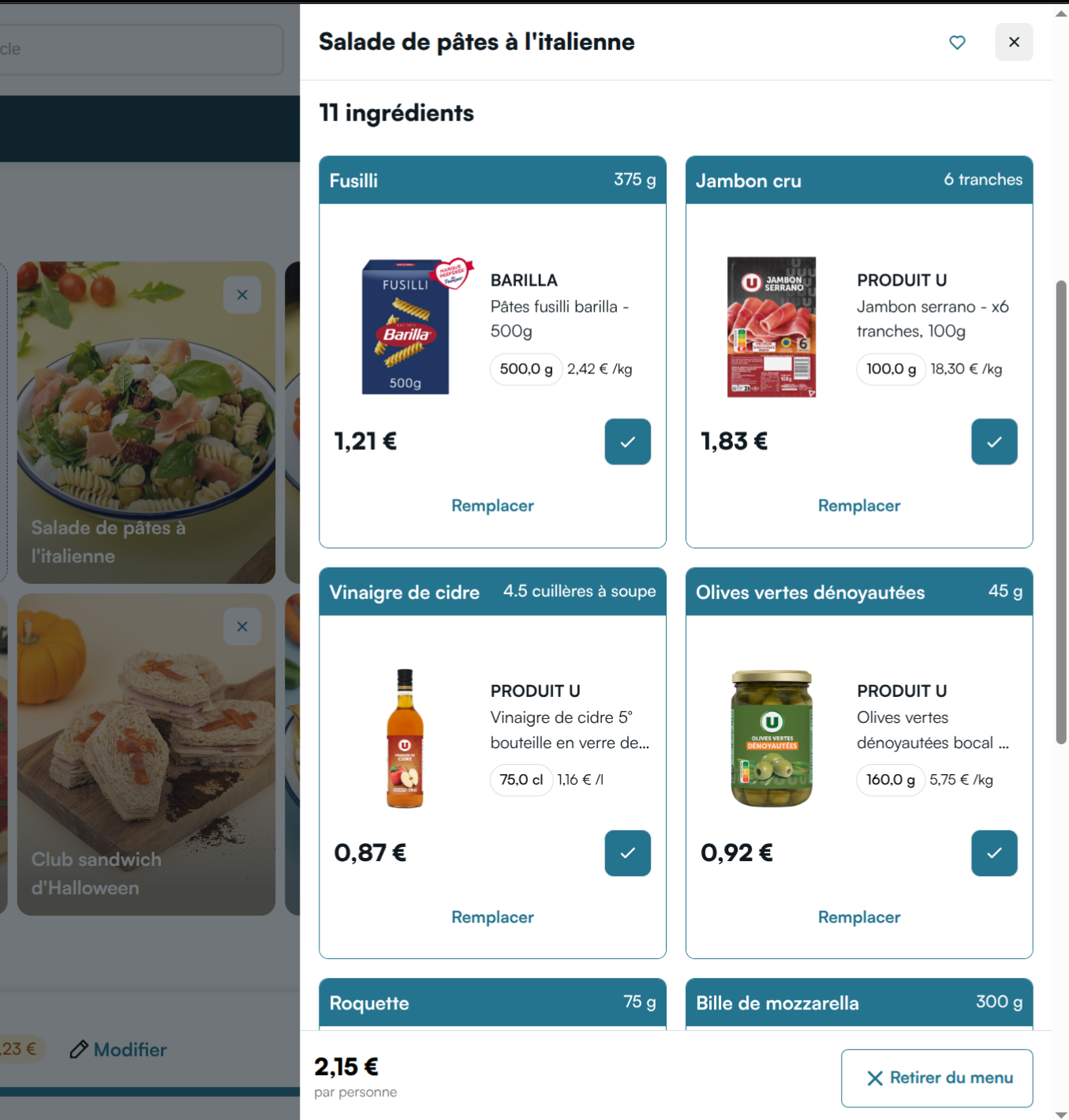
When consulting a recipe from the planner page, the recipe details drawer is quite different from the usual one. On this page, since recipes are added to a menu and not to the cart, the user can toggle or untoggle which products will be added when they click the "Add the menu to cart" CTA. By default, all products are toggled on.
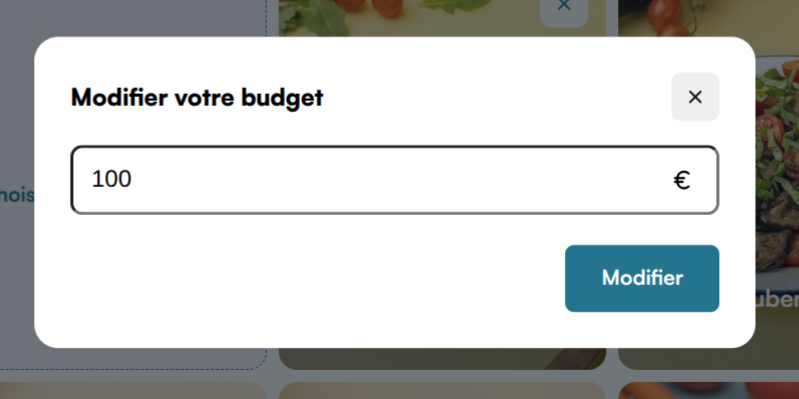
The user can set a budget, which will make a budget gauge appear. If the total price of the recipes currently in the menu is higher than the budget, the gauge displays the difference.

When clicking the "Add the menu to cart" CTA, all selected products for each recipe of the menu are added to the cart, and the user is redirected to your cart page.
On mobile, the current menu splits into two views (suggestions with a compact footer, then the full menu list); the URL keeps track of the active view via a view query parameter.
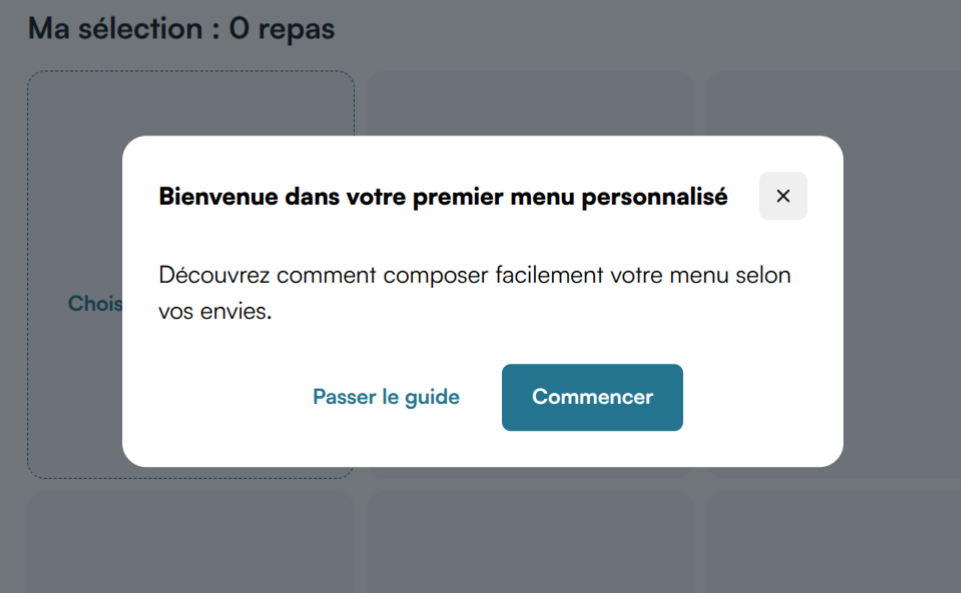
First-time users see a short onboarding modal; the same help content stays available from the entry block and from the menu page header.
See Planner for SSR routes, routing configuration, and integration details.