Recipe tags
Overview
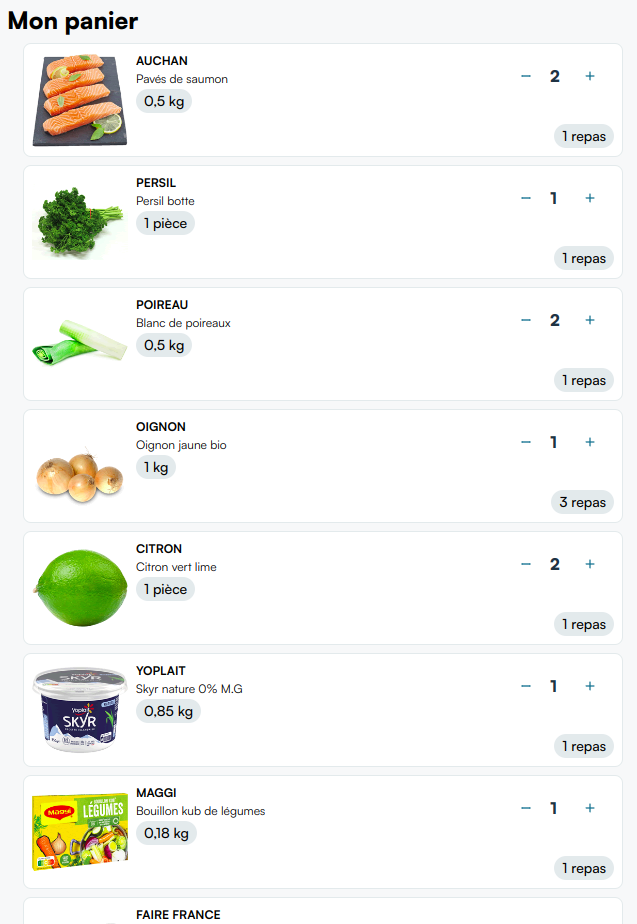
The recipe-tags feature lets you display a small label on each product in the user's cart reminding them which recipe that product came from.
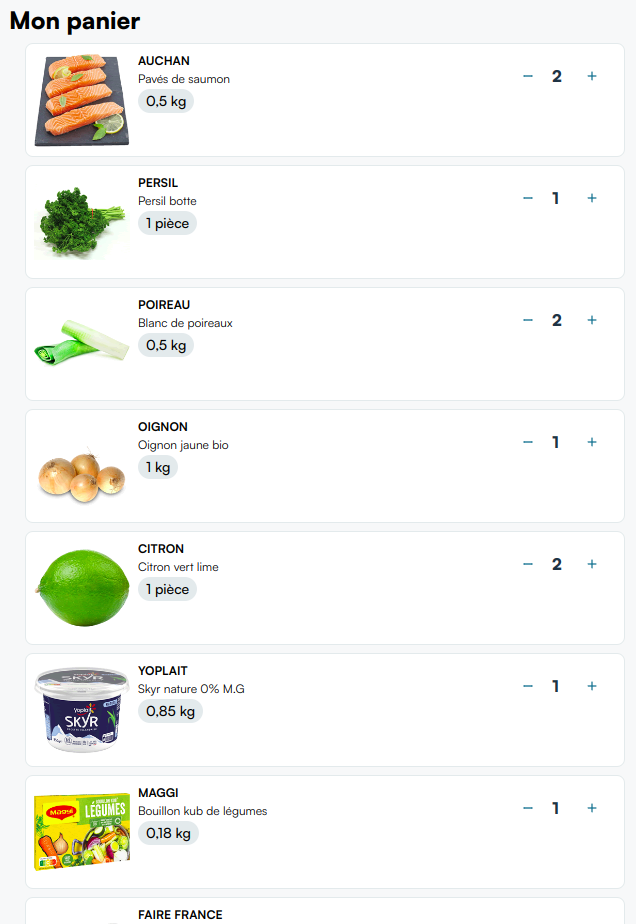
A cart page without tags:
With recipe tags injected next to each product:
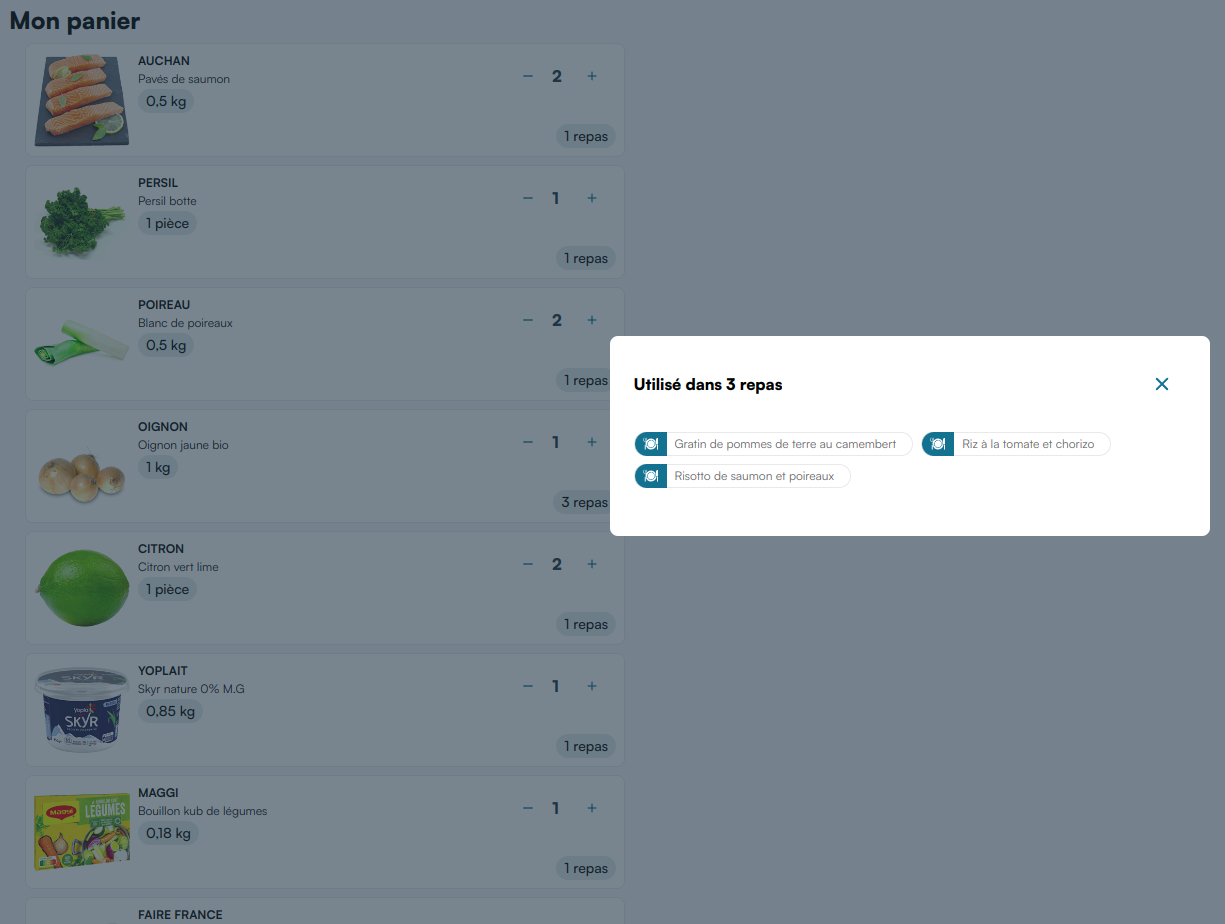
Call the route below with the product IDs in the basket, then inject each entry's html next to the matching product line on your cart page. The returned markup uses the <mealz-recipe-tag> web component.
The base URL:
GET https://MEALZ_SSR_API_URL/API_VERSION/recipe-tags
Do not forget the mandatory HTTP headers.
Parameters
-
store_id: string: (Mandatory) The store ID to contextualize the recipe-tag data. -
product_ids: string[]: (Mandatory) A JSON array of product IDs for which to fetch recipe-tag markup (passed as a query parameter, for exampleproduct_ids=["productId1","productId2"]).
Response
Returns a JSON object with a data array. Each entry corresponds to one product ID:
{
  "data": [
    { "productId": "productId1", "html": "<...>" },
    { "productId": "productId2", "html": "<...>" }
  ]
}
If a product has no associated recipe tag, the html value is an empty string.
Related
- Pre-rendered components — mandatory request headers and general SSR patterns
- Migrating from V2 to V3 — if you previously used client-side recipe tags