Enable order history
Our library provides the functionality to enable order history, allowing users to easily track their past orders directly within the catalog. This feature introduces a newly redesigned "My Space" section, which includes two dedicated tabs: Favorites and History.

Activating Order History
-
To begin, please contact our team to receive the required token for enabling order history functionality.
-
Replace your existing
mealzTokenwith the new token and configure the user's language settings. Use the following code snippet:
  window.mealz.supplier.setupWithToken('newMealzToken');
  window.mealz.user.setLanguage('en');
Feature updates
Once order history is enabled, the following updates will be applied:
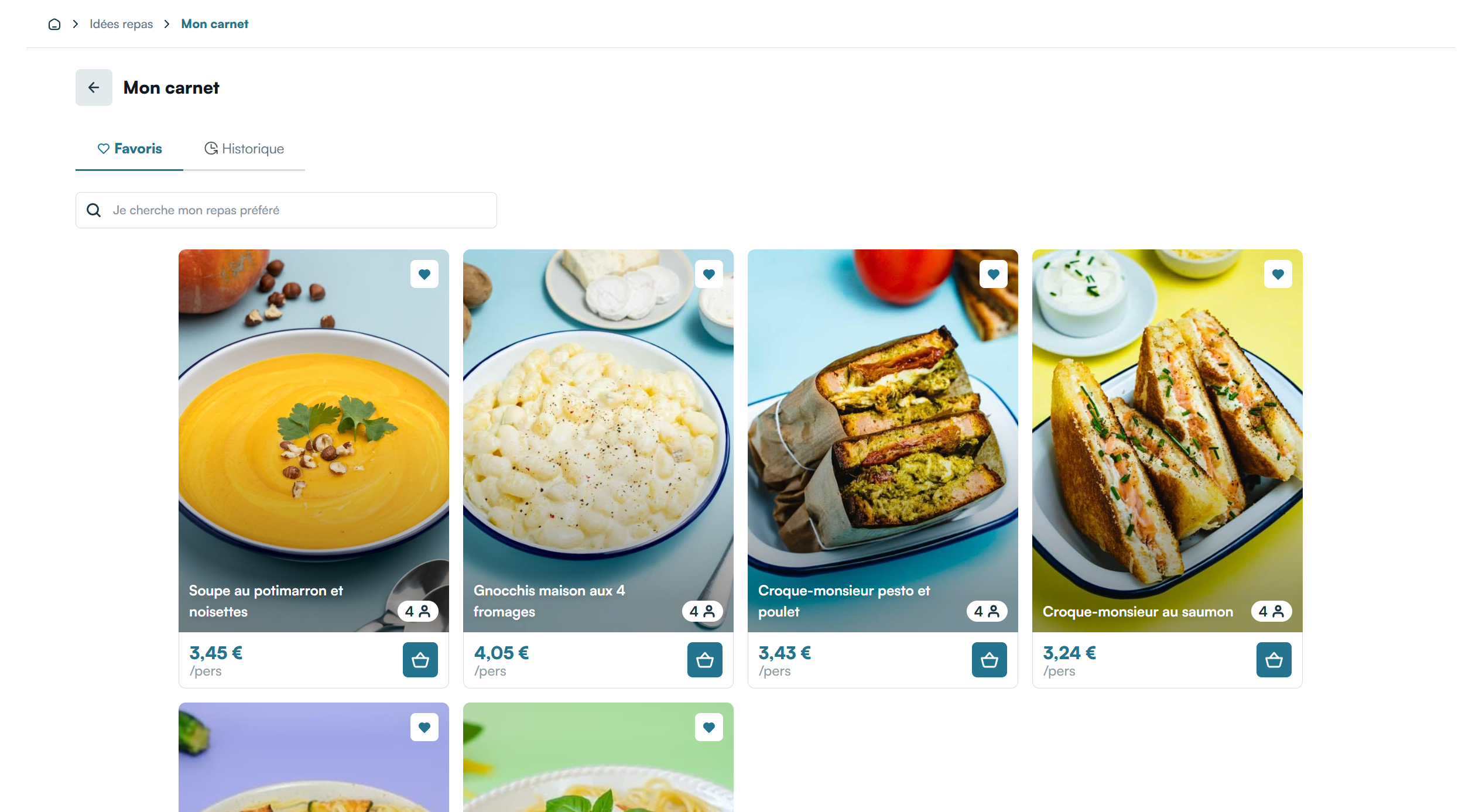
The "Favorites" page in the catalog will be renamed to "My Space", featuring two tabs:
- Favorites Tab: Displays the list of recipes saved as favorites by a connected user
- History Tab: Displays the order history of a connected user
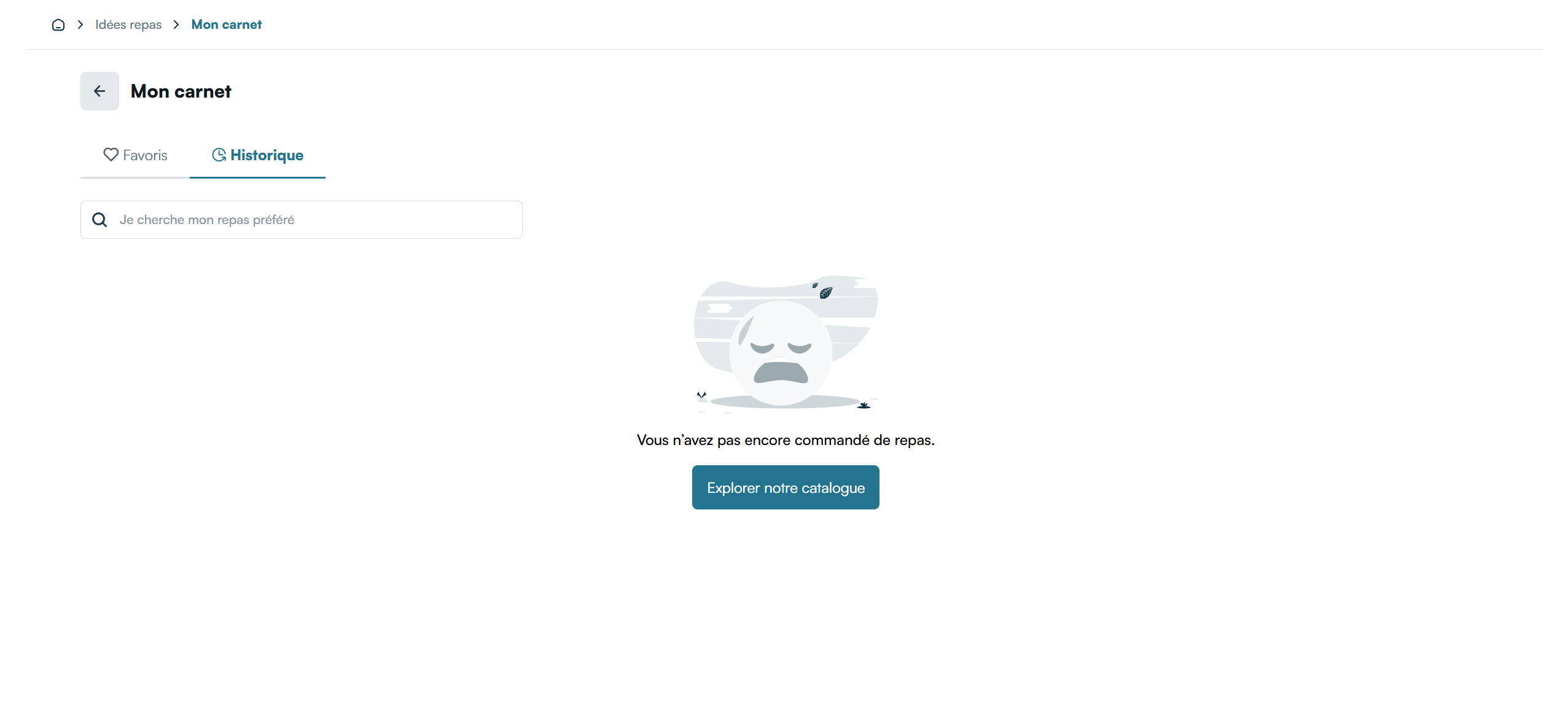
Clicking on an order in the History tab opens a drawer providing informations about the recipes included in the selected order.

You can further customize the appearance of the order history components to match your website’s design.