My Meals
My Meals is a Catalog route. Use the same catalog entry with:
FeatureRoute.Catalog.MyMeals(
    showTabSelector = true,
    // defaultSelectedTab is currently limited: Recipes is always shown first
    basketTransferUrl = null
)
Visual Overview
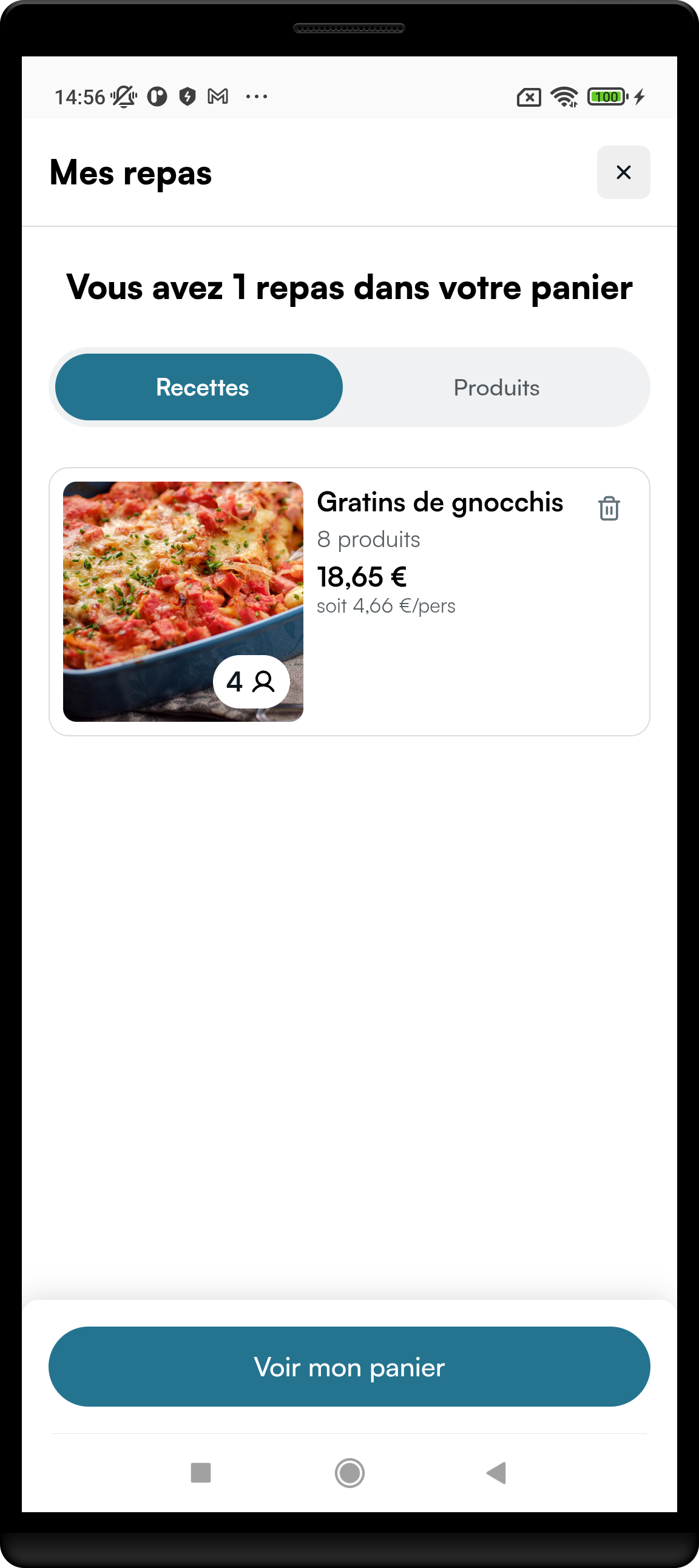
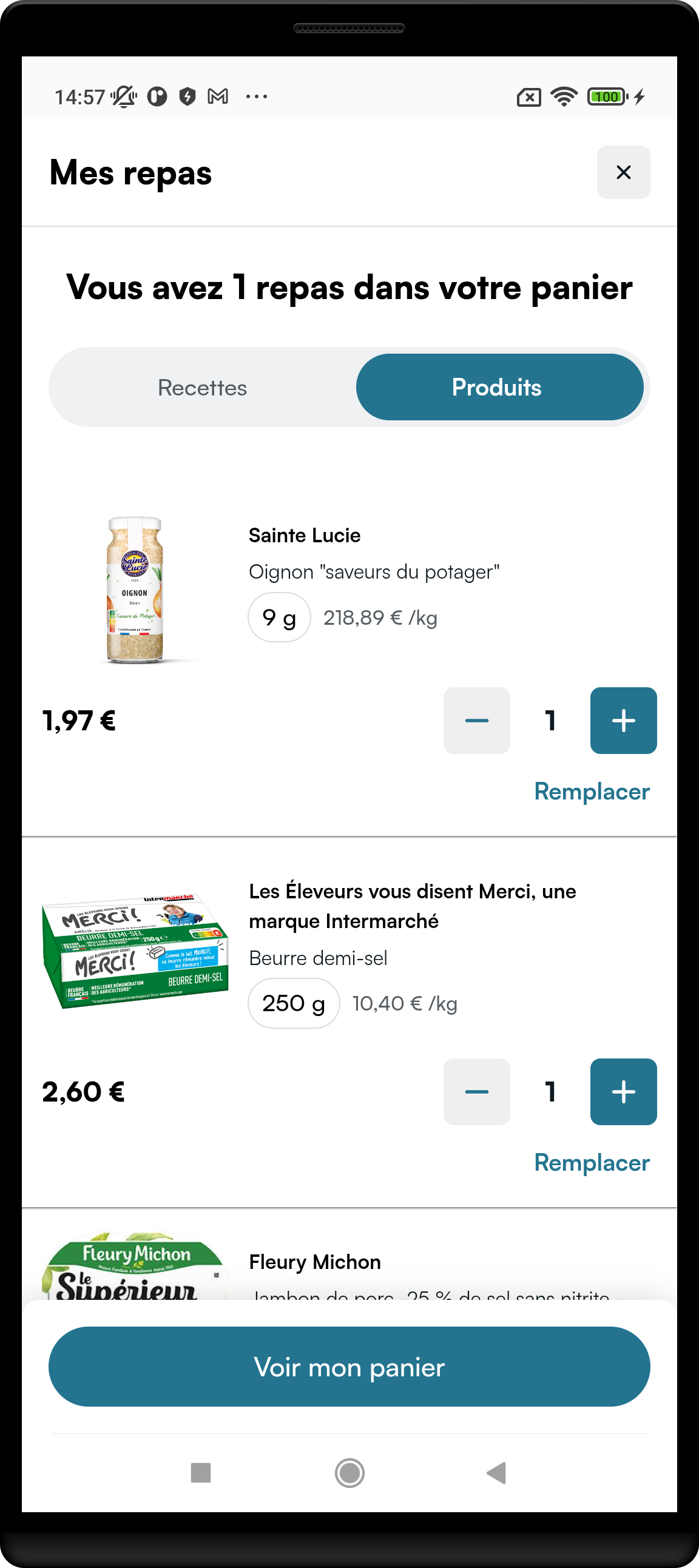
Parameters
Same as Catalog (route + CatalogNavigationCallback) — see the Catalog link below. Route-specific:
| Route field | Type | Required | Default | What it does |
|---|---|---|---|---|
showTabSelector | Boolean | no | false | Show Recipes / Products tab chrome. |
defaultSelectedTab | MyMealsTab? (Recipes / Products) | no | null | Limited today: Recipes is always the first visible page; prefer showTabSelector only. |
basketTransferUrl | String? | no | null | Full incoming deep-link URL when receiving a basket from an affiliated No Supplier app. Query params are forwarded into the WebView. |
Set goToHomeCatalog when My Meals is presented as root: the WebView may ask to open the main catalog home. See Catalog docs for goToHomeCatalog.
Basket Transfer (receive)
When a shopper arrives from a No Supplier app with transferred_basket_token, open My Meals with basketTransferUrl set to the full incoming URL. Keep basket sync registered — transferred products arrive via updateBasket.
End-to-end handoff (No Supplier send + Retailer receive): Basket Transfer.
Full entry docs: Catalog.