Scanning a groceries list
How it works
With version 8.4 we released a new list-scan component :
It consists of a simple CTA that you can add to your website to provide a groceries list scan feature :
- On a click on the CTA the user will be prompted to select a image or PDF file of a groceries-list (desktop) / the photo app of their phone will open (webmobile)
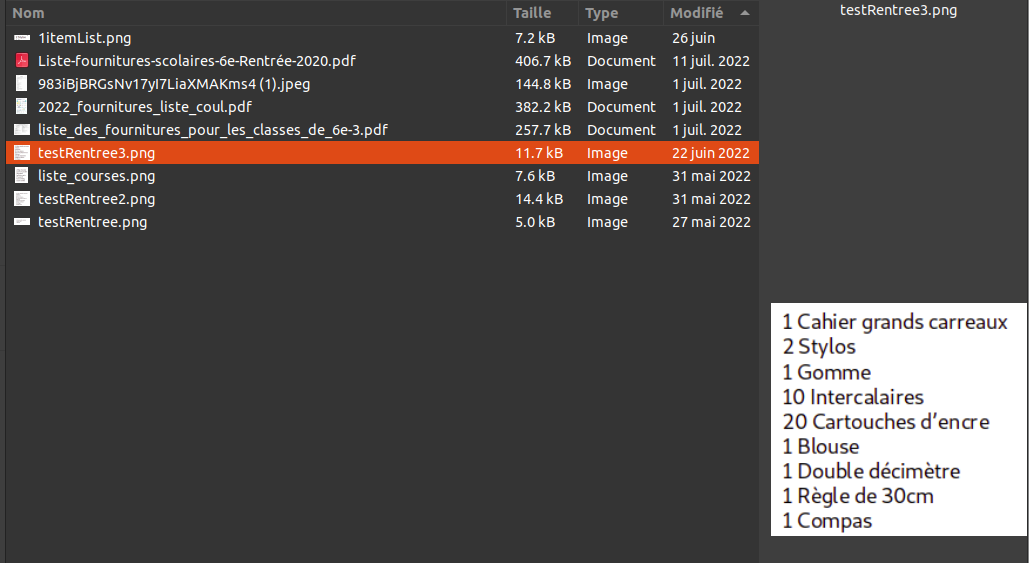
- After submitting a file / taking a photo of a groceries-list, our AI will detect the text on the groceries-list and consider each line as an ingredient to be added to the basket
- A drawer opens, displaying all products that were added, labelled with the text they were matched with
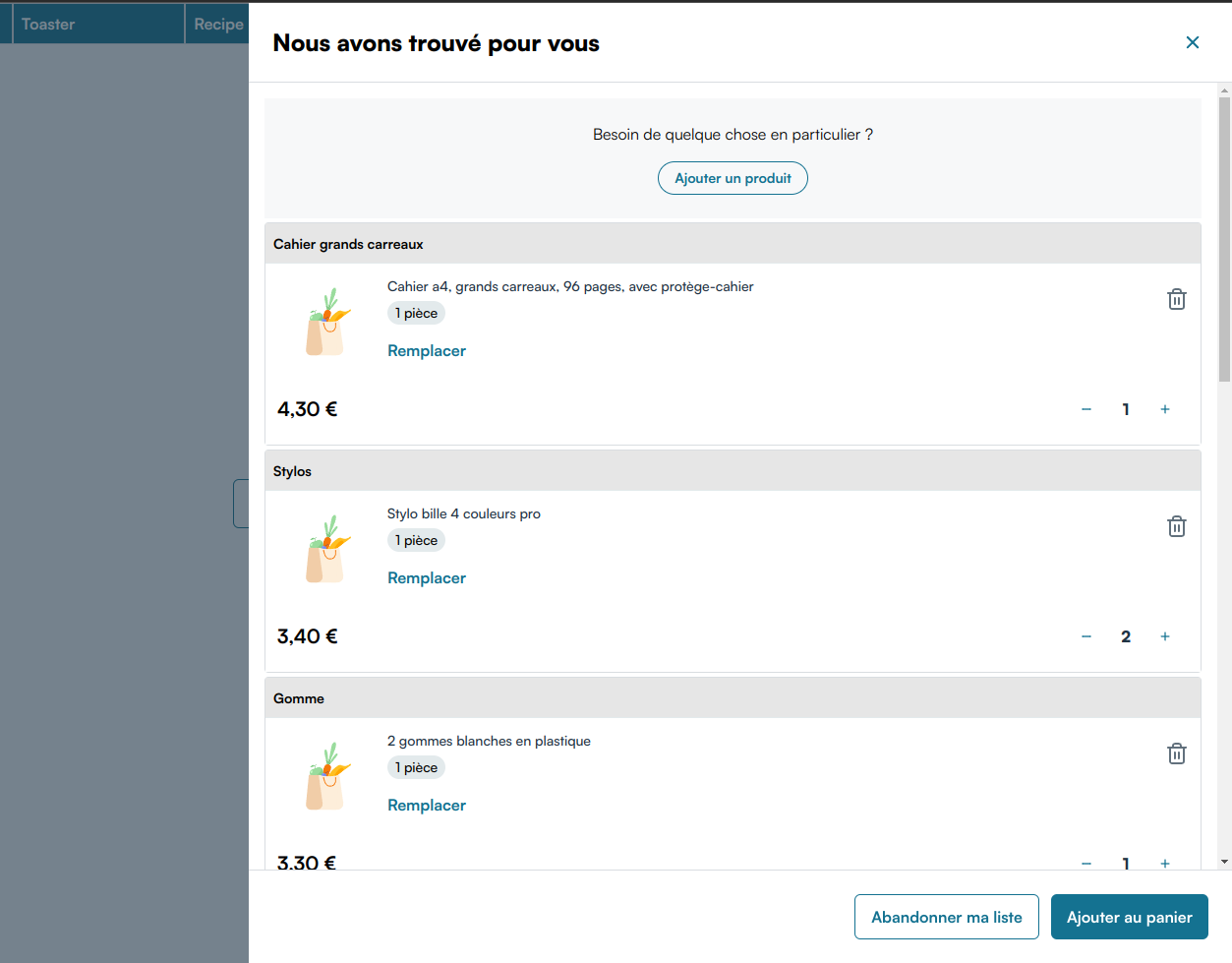
- Products can then be removed, replaced or their quantities changed as usual
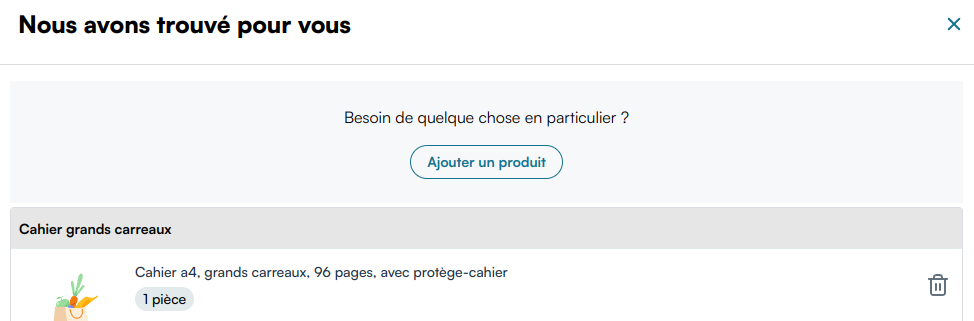
- At the top of the list, a banner offers to add more products
- If the user clicks on "Give up my list" at the bottom right, they will be prompted with a confirmation popup. After confirming, all products added to basket by scanning the list will be removed from basket
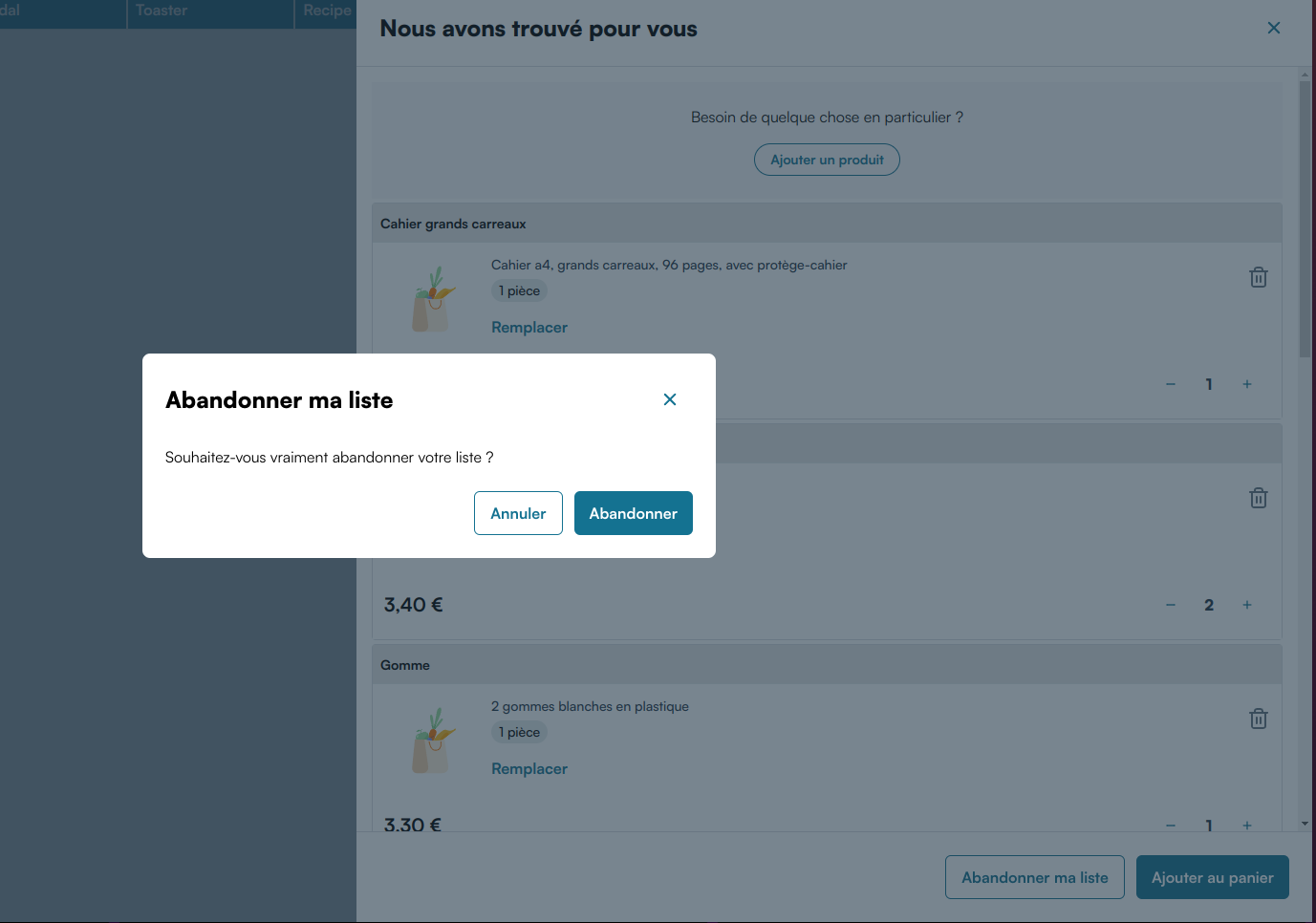
- If the user click on "Add to cart" at the bottom right, the drawer closes
warning
For technical reasons, all products are directly added to the user's cart after scanning the list, which is why "Give up my list" removes the products from the cart if the user confirms.
This is due to the way product replacement / quntity changes currently works. There may be changes in the future
Inputs
disableIngredientsMatching: boolean = false: Disables the AI matching products to ingredient names. You need to switch this input to true if the user are expected to scan only non-food groceries lists
Outputs
confirmed: void: Emits an event when the user clicks on "Add to cart" and the drawer is closed
Example
A recipe contextualized with surrounding products (Recommended):
<webc-miam-list-scan></webc-miam-list-scan>
<script>
  const listScanCTA = document.querySelector("webc-miam-list-scan");
  listScanCTA.disableIngredientsMatching = true;
  // Redirect to cart page after user clicks on "Add to cart"
  listScanCTA.addEventListener(
    "confirmed",
    () => location.href = 'mywebsite.com/cart'
  );
</script>