Installation
You can use Miam with Maven. Just add the following tags to your build dependencies
Cocoapods
To integrate MiamIOSFramework into your Xcode project using CocoaPods, specify it in your Podfile:
pod 'MiamIOSFramework'
Swift package manager installation
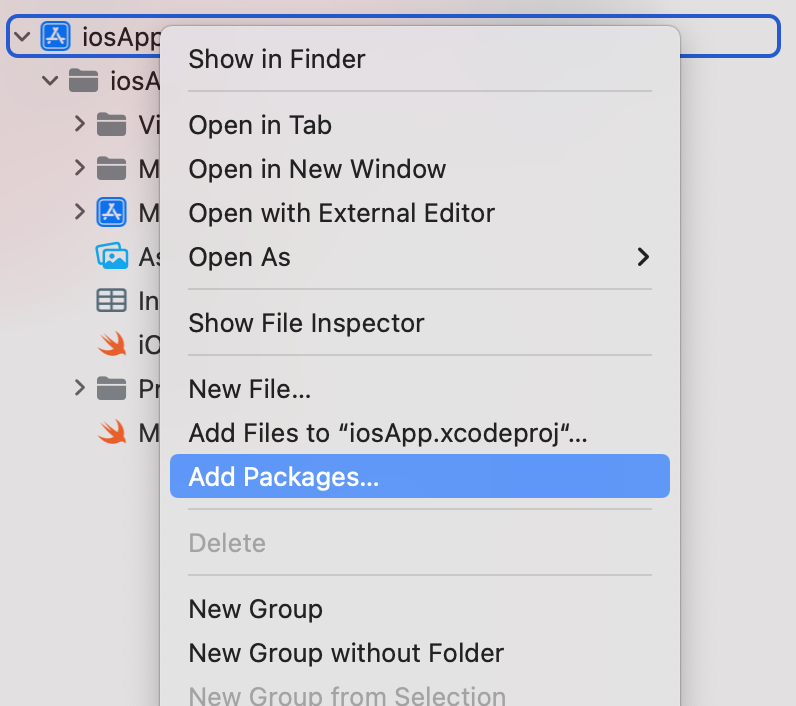
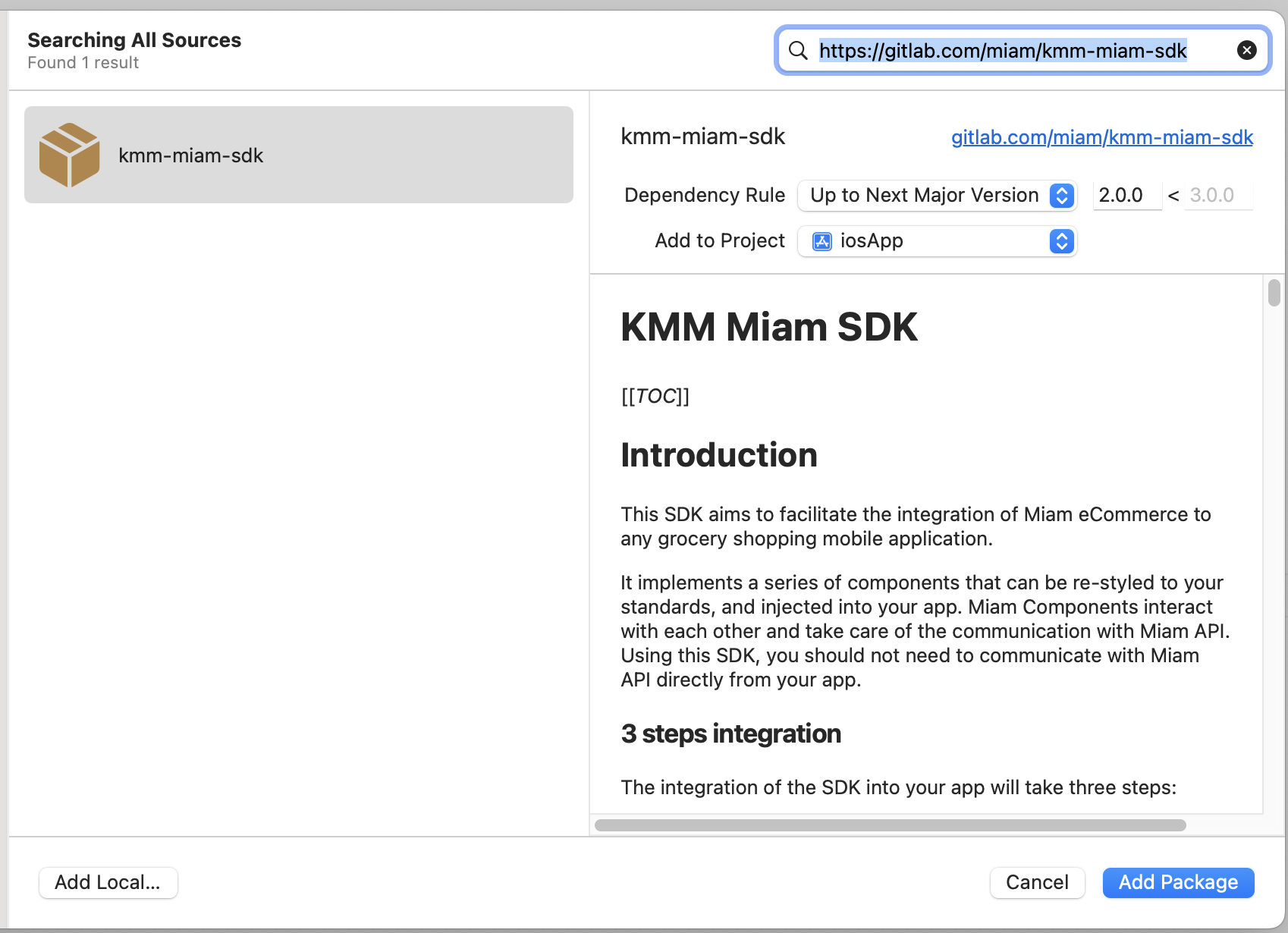
To add MiamIOSFramework as a dependency directly from Xcode.
Manual Installation
You will need to clone this repository and build the archive in production mode, you need for it to install AndroidStudio and get gradle dependencies then run :
run ./gradlew assembleXCFramework
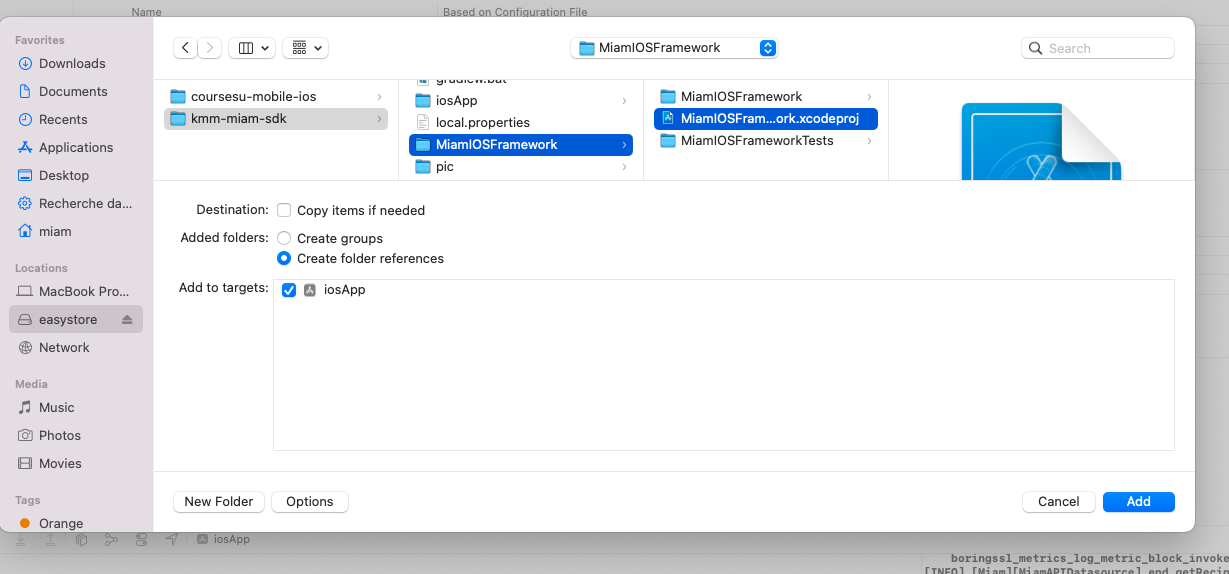
Then go in your project click on your app name with two fingers, add select add file to
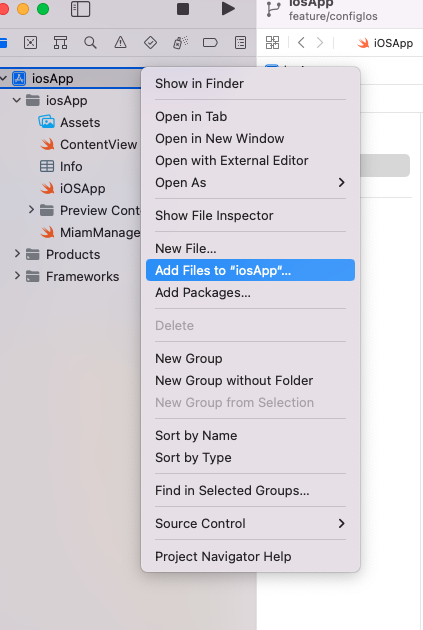
Navigate to miam kmm repo and select MiamIOSFramework.xcodeproj
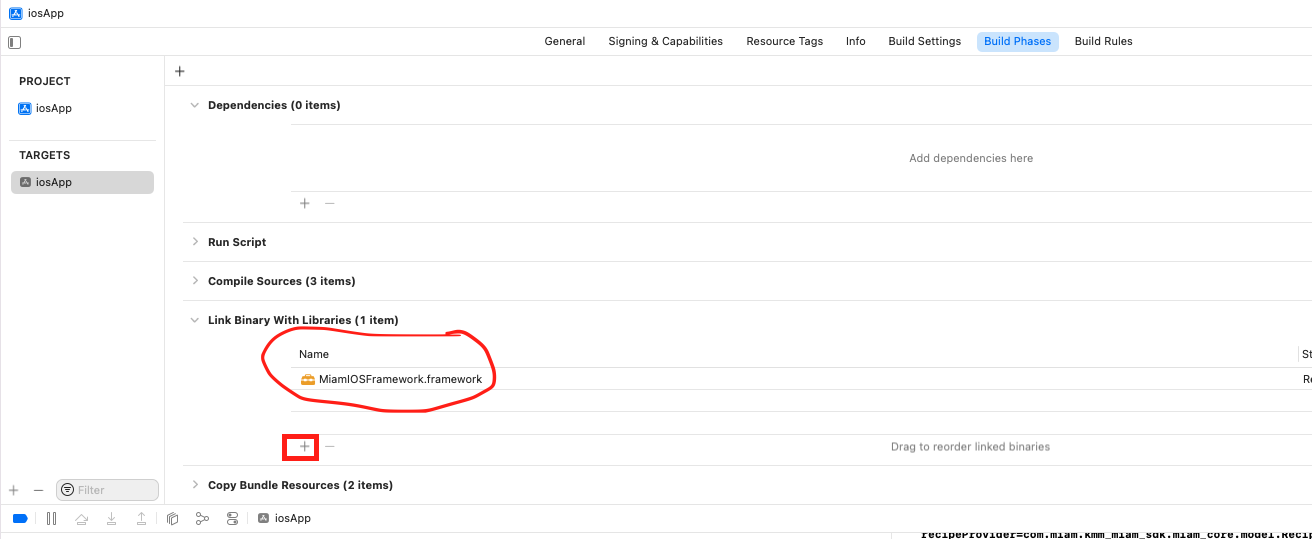
You can now select your project and select Build Phases tab open "Link Binaries With Libraries" expander. then click on + button and select your framwork